Blog|Technology
Managing WordPress from your phone with Claude
Creating, filling, SEO-optimising and publishing a full WordPress page, straight from your phone. No laptop, no CMS login, no code. With the Claude AI app by Anthropic and the WordPress MCP, that's no longer a demo. It's everyday practice.
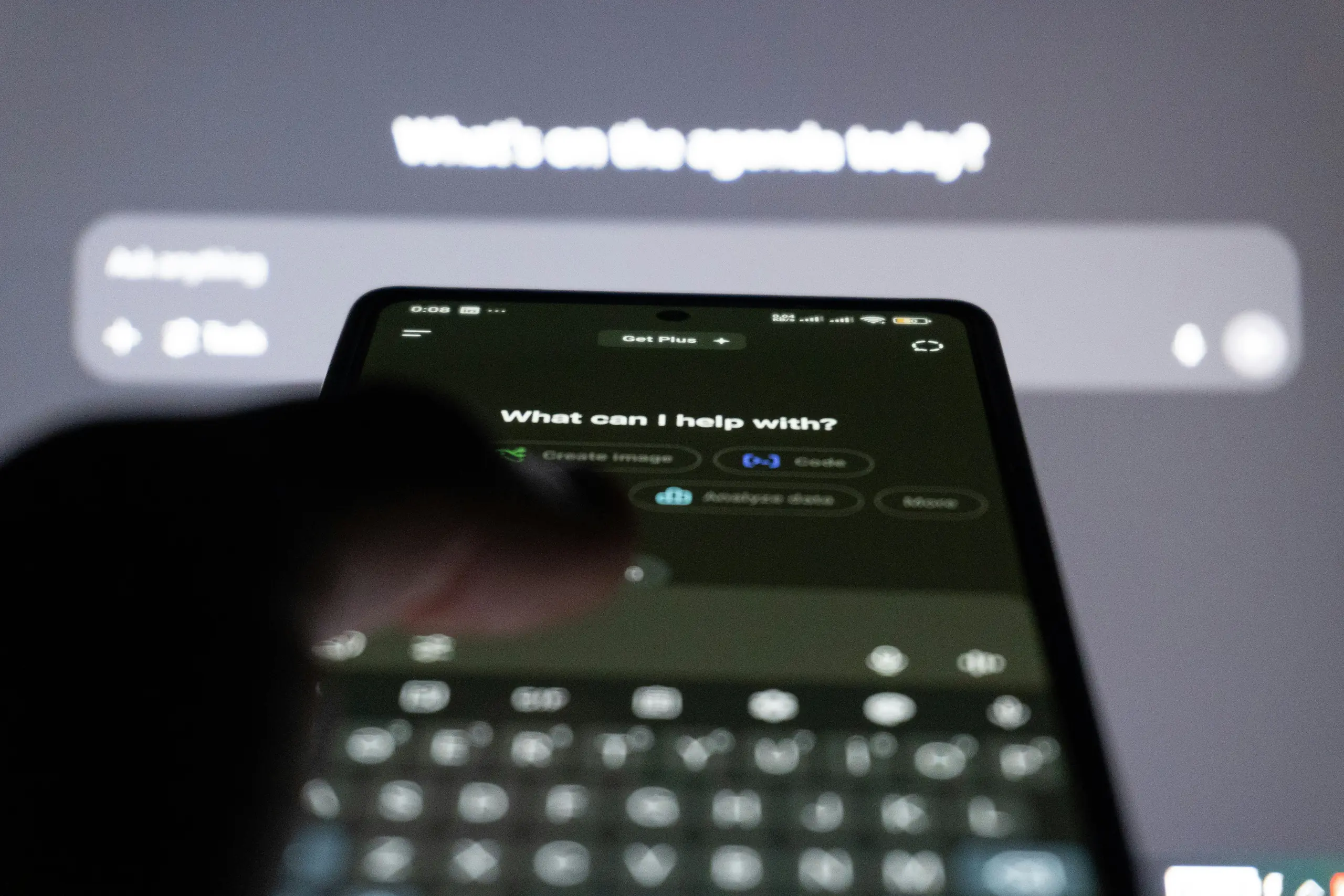
Publishing a WordPress page between two meetings
Picture this: you're on the train, you remember there's a typo on an important landing page, and you've got ten minutes until your stop. Until recently that meant waiting until you were back behind a laptop, logging in to WordPress, finding the right page, editing the field, saving, and hoping you didn't miss anything else.
Now you pick up your phone, open the Claude app, and say: “change the opening hours on the contact page to 9 to 18.” Done. Before the train stops, the change is live on your WordPress site.
This isn't science fiction. It's the way of working that the Claude Mobile App combined with the WordPress MCP already enables today, and it changes what it actually means to manage a website.
See it in action
Building a page inside the Claude Mobile App
Screen recording of the Claude app on a phone, creating, filling and publishing a new content page through the WordPress MCP.
Quick primer, what is Claude?
Claude is an AI assistant built by Anthropic, an AI company founded by former OpenAI researchers. It's comparable to ChatGPT in what it can do, but with a strong focus on reliability, long context windows and safety when taking actions on your behalf.
Claude is available as:
- A web app at claude.ai in your browser
- A desktop app for Mac and Windows
- A Mobile App for iOS and Android, with voice-to-text
- Claude Code, a command-line version for developers
What makes Claude particularly interesting for website management is that it doesn't just talk, it also acts. Through an open standard called MCP, you connect Claude to your own systems so it can do things for you rather than only giving advice.
And what's the WordPress MCP?
MCP stands for Model Context Protocol: an open standard, developed by Anthropic, that lets AI assistants talk directly to external systems. Not just read from them, but act on them: create a page, update SEO, restructure a menu, translate content.
The WordPress MCP is an extension on your WordPress site that exposes this connection. Claude connects as a client to the MCP server on your site and performs actions within the permissions you grant it. We build this integration into every WordPress site we deliver, you can read more on our WordPress AI management page.
Crucially, it's an open standard. You're not locked in to one AI, one vendor, or one tool. Today you work via Claude, tomorrow via Cursor or Copilot, the day after via an AI agent that doesn't exist yet. Your site's integration stays the same.
From practice
What stood out when we put it into practice
For the past few weeks we deliberately tried not to open a laptop for small WordPress changes. A few things stood out:
- Voice works surprisingly well. Dictating in the car or on a bike, for example “add a FAQ row about delivery times to the bottom of the product page”, gets translated into the right MCP calls by Claude without trouble.
- The barrier disappears. Colleagues who never logged into WordPress now contribute content directly. They don't need to know what an ACF field is or where the menu lives.
- Speed changes the work itself. When publishing takes one sentence, you publish more often. Small updates, quick corrections, an extra paragraph: things that used to wait now actually happen.
- Draft or live, your call. Ask for
draftand Claude stages everything for review. Ask to publish directly and it's online within a minute, including SEO metadata and menu entry.
Who does mobile WordPress management actually help?
Editors and marketers publish on the go, no CMS login required. Founders and freelancers stop needing a developer for small tweaks. Developers and agencies speed up repetitive work: bulk SEO, adding rows across dozens of pages, restructuring menus. Work that used to take hours, now takes minutes.
And maybe most importantly: remote content teams. No shared passwords, no WordPress training, no steep learning curve. Anyone with access to Claude can contribute to the site, within the permissions you set.
But is it secure?
The WordPress MCP integration uses a personal API key tied to a WordPress user with specific permissions. Claude can never do more than that user is allowed to. No shared passwords, no direct database access, no way to bypass the existing WordPress permissions model.
Deleted posts go to the trash by default, not permanently removed. Rows and metadata are always recoverable through the WordPress dashboard. And for destructive actions, Claude asks for confirmation first, unless you explicitly tell it to act directly.
What this means in the longer run
The real difference isn't really speed, that's just the most visible part. The real difference is that the distance between “I have an idea” and “it's live” drops to almost zero. No tickets, no queues, no developer hand-off for what is essentially a text change.
At the same time, your WordPress site stays exactly what it was. No migration, no vendor lock-in, no new dashboard to learn. MCP just adds a smart layer on top of what already runs. If Claude stops fitting tomorrow, you connect a different AI client to the same MCP server. Your site never notices.
For us, that's the point. AI isn't doing something “extra” with your website. It does it in a way that is open, controllable and replaceable. The way good tooling should work.
Frequently asked questions about Claude, MCP and WordPress
A free Claude account works to get started, but for heavy use and the Mobile App with voice-to-text a Claude Pro or Team subscription is recommended. The WordPress MCP itself is a site extension and is independent of your Claude subscription.
No. MCP is an open standard, so MCP servers exist for many tools, including calendars, email, databases and project management. This blog focuses on WordPress, but Claude can work with multiple systems in a single conversation.
Yes, and that's the intent. Everyone who contributes via Claude gets their own WordPress user with a personal API key, so every action and mutation is attributable to a person and permissions can be set per role, just like with regular WordPress administration. What colleagues don't need is knowledge of the WordPress dashboard itself, because they give their instructions to Claude in plain language.
Deleted or replaced content stays available through the WordPress trash and revision history. For destructive actions Claude asks for confirmation first. You can also tell Claude to default to draft so you publish yourself from the dashboard.
Yes. Claude is multilingual and the WordPress MCP is language-agnostic. You can create a Dutch page and the English translation in the same conversation, or have existing content translated.
No. Your WordPress site stays as it is. You install the WordPress MCP as an extension on your existing environment, and you connect Claude to it through your own Anthropic account. No migration, no vendor lock-in.
Curious how this would work for your site?
We're happy to walk you through how the WordPress MCP pairs with Claude, on desktop and on mobile. Book a call with Jeffrey and we'll go through it together.